
Shine documentation
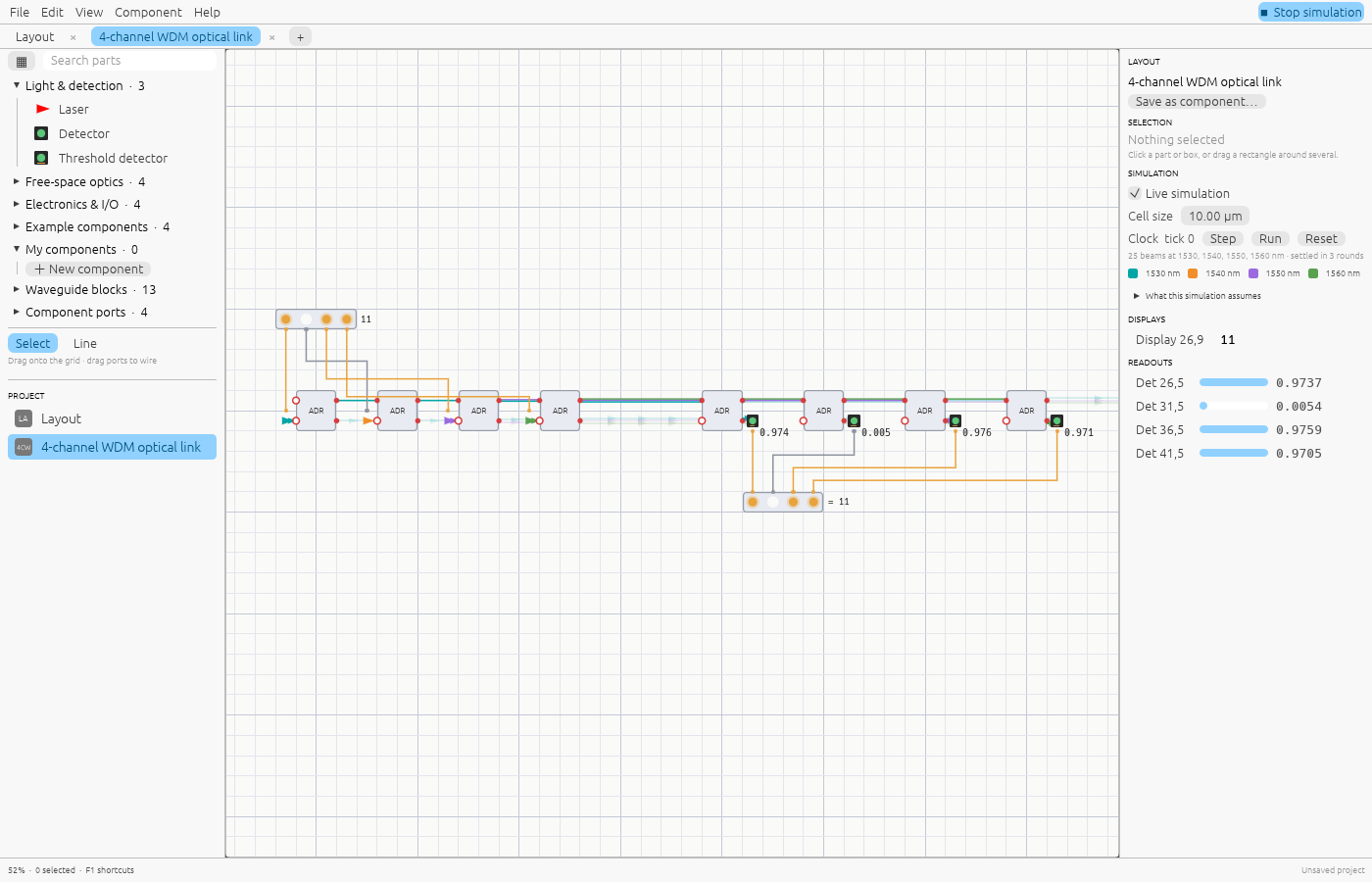
Shine designs and simulates photonic circuits: free-space optics on a bench, waveguide components on a chip, and the electronics that drive and read them. It runs in the browser at shine.lupyd.com/app, as a desktop app on Linux, Windows and macOS, as a Rust library, and as an MCP server for AI assistants.
Guides
| Guide | What it covers |
|---|---|
| Getting started | Install or open Shine, tour the window, run your first simulation |
| Editing | Placing, selecting, moving, the add menu, the parts browser, keyboard and mouse |
| Parts reference | Every part and block: what it does, its ports and parameters |
| Wiring light and signals | Waveguides, beams, signal wires, and converting between light and signals |
| Components | Turning a layout into a reusable box, ports and pins, trying a component on its own |
| Electronics and the clock | Number inputs, displays, registers, the clock, and function-cell expressions |
| Examples | The ready-made circuits and what each one teaches |
| How the simulation works | What is solved exactly, what is modelled simply, and the limits |
| Projects and files | The .shine format, the browser and desktop builds, logging |
| AI assistants (MCP) | Using Shine from Claude and other MCP clients; notes for LLMs |
| Rust library | Using the photonics crate without the editor |
| Development | Building, testing, keeping these docs current, releases |
| Roadmap | What’s being built for 0.1.0 and what comes after |
| Changelog | What changed in each version |
On the website, Search at the top of every docs page (Ctrl+K) searches all of them.
For language models, the whole documentation is also served as plain text at
/llms.txt (an index) and
/llms-full.txt (everything in one file).